What Are Internal Links, and How Do They Impact Your Website?
- Sarah Crowe
- May 19, 2026
- Blog, Web Development, Website
- 0 Comments
Most business owners obsess over backlinks. But what lives inside your own site may be the most underutilized SEO asset you already own.
Most people hear “SEO” and picture content crammed with keywords to climb Google’s rankings. And sure, keywords matter; but there’s a factor that doesn’t get nearly enough attention: internal links. It works behind the scenes, shaping how search engines make sense of your site and how visitors actually find their way around it.
If you’ve ever clicked a hyperlink inside a blog post that took you to another page on the same website, you’ve clicked an internal link. Simple enough, but the strategy behind where those links go and how many a page receives can make a significant difference in your organic visibility and user engagement.
Internal Links: Here’s What You Need to Know
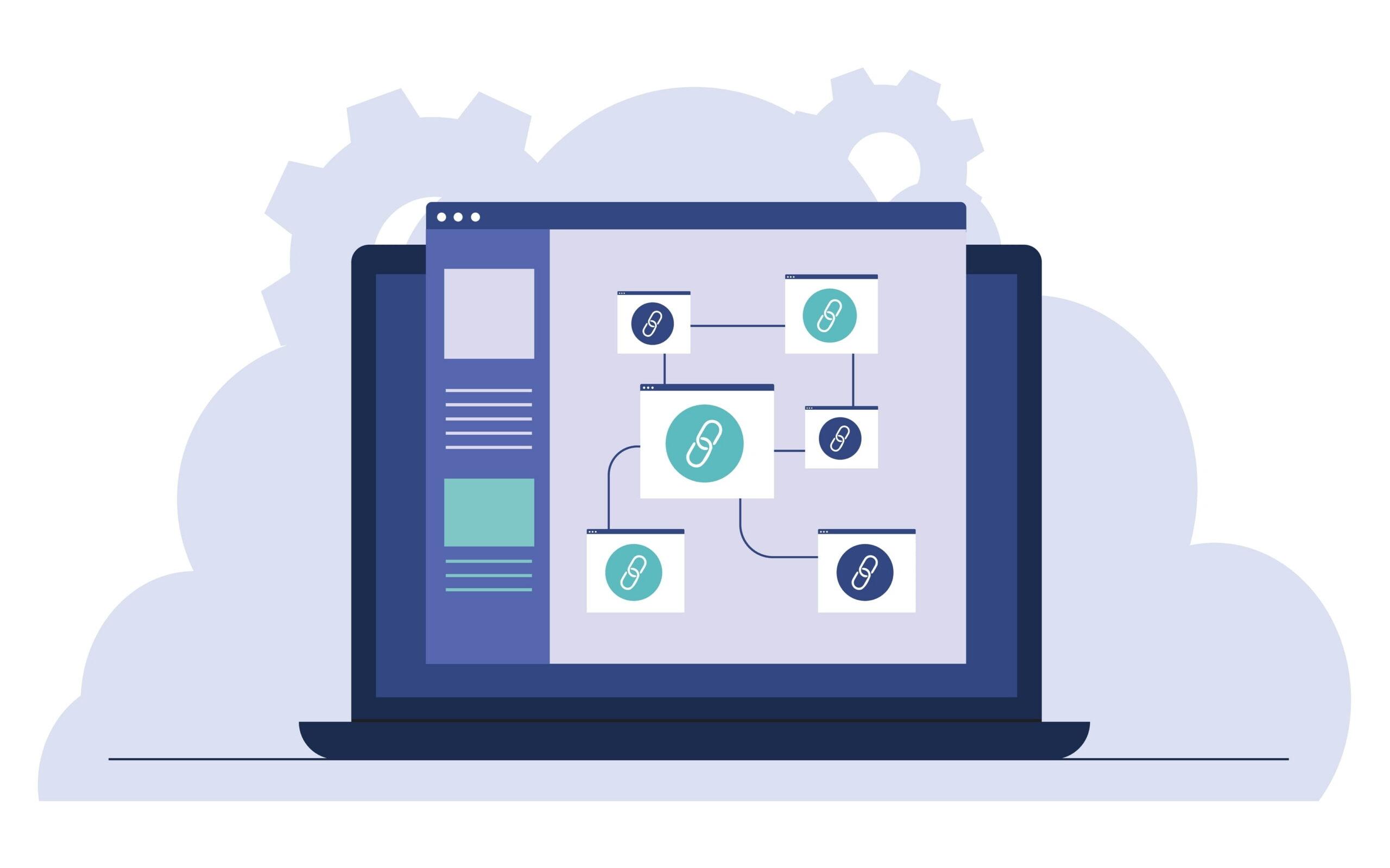
An internal link is any link that points from one page on your website to another page on the same website. It stays within your domain. External links, by contrast, point to a different website entirely.
Internal links come in several forms:
- Navigation menus
- Content hyperlinks
- Sidebar and footer links
- Related post modules
- Breadcrumb trails
- Call to action buttons
Each of these serves a purpose but the most strategically powerful are the in content links embedded naturally within your blog posts, service pages and landing pages. Your website’s structure plays a big role in how effectively those links can do their job.
The Role Internal Links Play in Your Rankings
Search engines, like Google, send crawlers (also called “spiders” or “bots”) across the web to discover and index content. These crawlers follow links, and they use the links they find to understand the structure and hierarchy of your website.
Here’s why that matters for you:
Internal links help search engines find your content
If a page on your website has no internal links pointing to it, there’s a good chance Google’s crawlers may never find it — even upon publishing. Internal links act as pathways that guide crawlers deeper into your site, ensuring your content gets indexed and considered for rankings.
Internal links pass link equity across your site
When external websites link to your homepage or a popular blog post, they [pass what SEO professionals call “link equity” (sometimes referred to as PageRank or link juice.) Internal links allow you to redistribute that authority across your site, funneling it toward pages you want to rank higher
Think of it this way: Your high traffic blog posts are like water towers. Internal links are the pipes. Without the pipes, the water just sits at the top. With a smart internal linking structure, authority flows down to your service pages, product pages, and other high priority content.
Internal links tell Google which pages are most important
The more internal links a page receives, the more important Google assumes it to be. This is why your core service or product pages should have multiple internal links pointing to them. From blog posts, FAQ’s and other relevant content across your site.
Internal links improve user experience
Good internal linking keeps visitors on your site longer. When someone reads a blog post and sees a helpful link to a related service or resource, they’re likely to click it. That reduces bounce rate and increases session duration. Both signal that Google interprets them as indicators of good content quality. This is closely tied to how UX and site design impact your performance.
What is Anchor Text, and Why Does it Matter?
The anchor text is the clickable, visible text of a hyperlink. When you link to your SEO services page using the phrase “search engine optimization strategy,” Google reads that anchor text as a signal about what the destination page is about.
Best practices for anchor text:
- Use descriptive, keyword relevant phrases
- Keep it natural
- Vary your anchor text across multiple links to the same page
- Avoid over optimized, keyword stuffed anchors that feel forced
An example of effective anchor text on our website:
Common Internal Linking Mistakes to Avoid
Even the most reputable websites make internal linking errors that limit their SEO potential. Watch out for these pitfalls:
Orphan pages: Pages with zero internal links pointing to them. These are invisible to crawlers and miss out entirely on the flow link equity.
Too many links on a single page: Overloading a page with dozens of internal links dilutes the value passed through each one. Be selective and intentional. A good rule of thumb is 4-8 per page.
Broken internal links: Links that lead to deleted or redirected pages waste crawl budget and frustrate users. This is part of why SEO audits matter so much. Audit your links regularly.
Linking only from the navigation: When referring to the “navigation” we are referencing the Header and Footer on a website. Header and footer links are necessary but not enough. The most valuable internal links are contextual ones embedded within your content strategy.
For example, the navigation header on our website includes links to the main pages featured on our website:

How to Build an Effective Internal Linking Strategy
Start by identifying the pages you want to prioritize such as your core services page, key landing pages or best converting content. Then, audit your existing blog posts and supporting content or natural opportunities to link back to those pillars using relevant anchor text.
As you publish new content, make it a habit to ask: “Which existing pages on our site does this naturally relate to, and which pages should link back here?” Building this thinking into your content development process turns internal linking from an afterthought into a compounding SEO asset.
Your Rankings Are Waiting For This
Internal links are one of the most controllable levers in your SEO toolkit. Your internal linking structure is entirely within your hands, and when it’s done right, it helps search engines understand your site, distributes authority to the pages that matter most and gives your visitors a reason to stay and explore.
Related Posts







Recent Comments